


Welcome! Let's get started.
Welcome to the Flow® Suites! We hope you’re excited to start making music like never before with all the premium tools we’ve included in the Mixing and Mastering Suites, pro signal chains, and the Complete Suite-exclusive Model Series of acclaimed synthesizers.
To get started, follow the steps below and you should be all set. Happy mixing, mastering, and producing!
Installation
1. Download and install Softube Central from the My Account page.
2. In Softube Central, Install and Activate: Flow® Mastering Suite, Flow® Mixing Suite, and the Model Series synthesizers.
3. In your DAW, go to your plug-in list and load Flow® Mixing Suite, Flow® Mastering Suite, or any of the included plug-ins.
You’re good to go! Continue on this page to learn how to get started with the Flow® Mixing and Mastering Suite plug-ins.
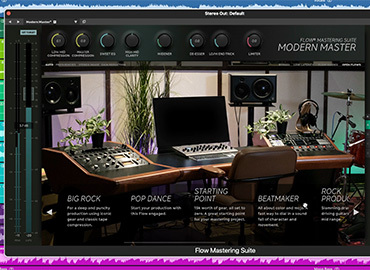
1. Add the Flow® Mastering Suite plug-in to the master bus in your DAW.
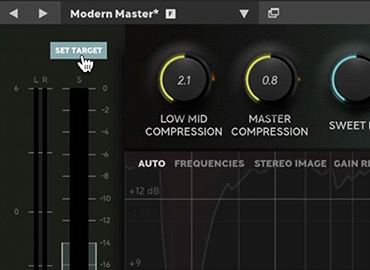
2. Play the loudest part of your track and click Set Target at the top left to make sure your levels are optimal.
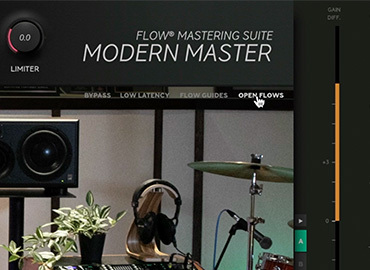
3. Click the Flow selector to choose a Flow that best suits the flavor of your track.
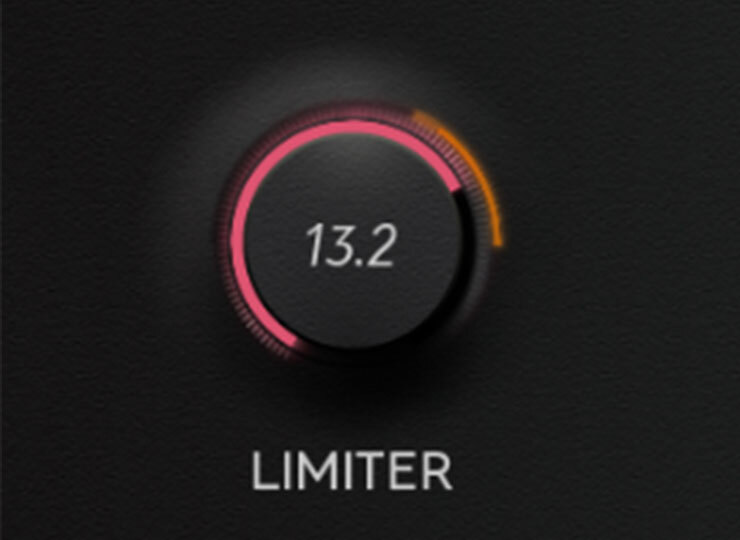
4. Adjust the Flow® Controls at the top to your liking.
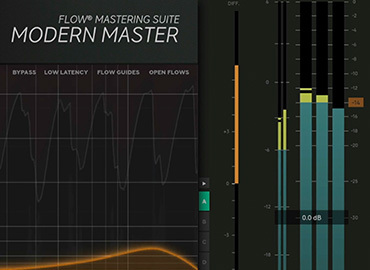
5. Check that your track is reaching the desired loudness level on the output meters to the right.
6. That’s it! A finished-sounding track in a matter of seconds.
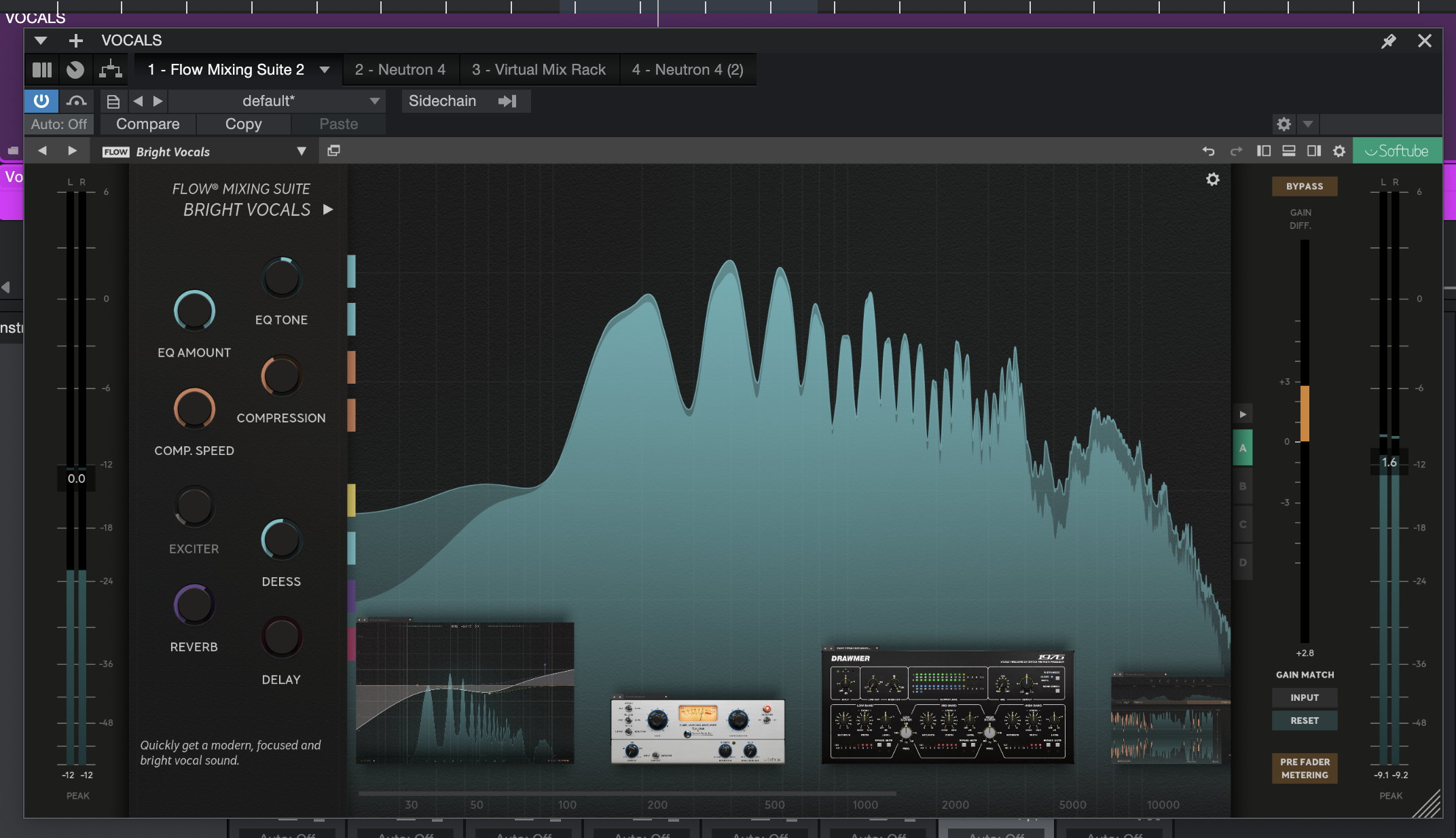
1. Add the Flow® Mixing Suite plug-in to any track in your DAW.
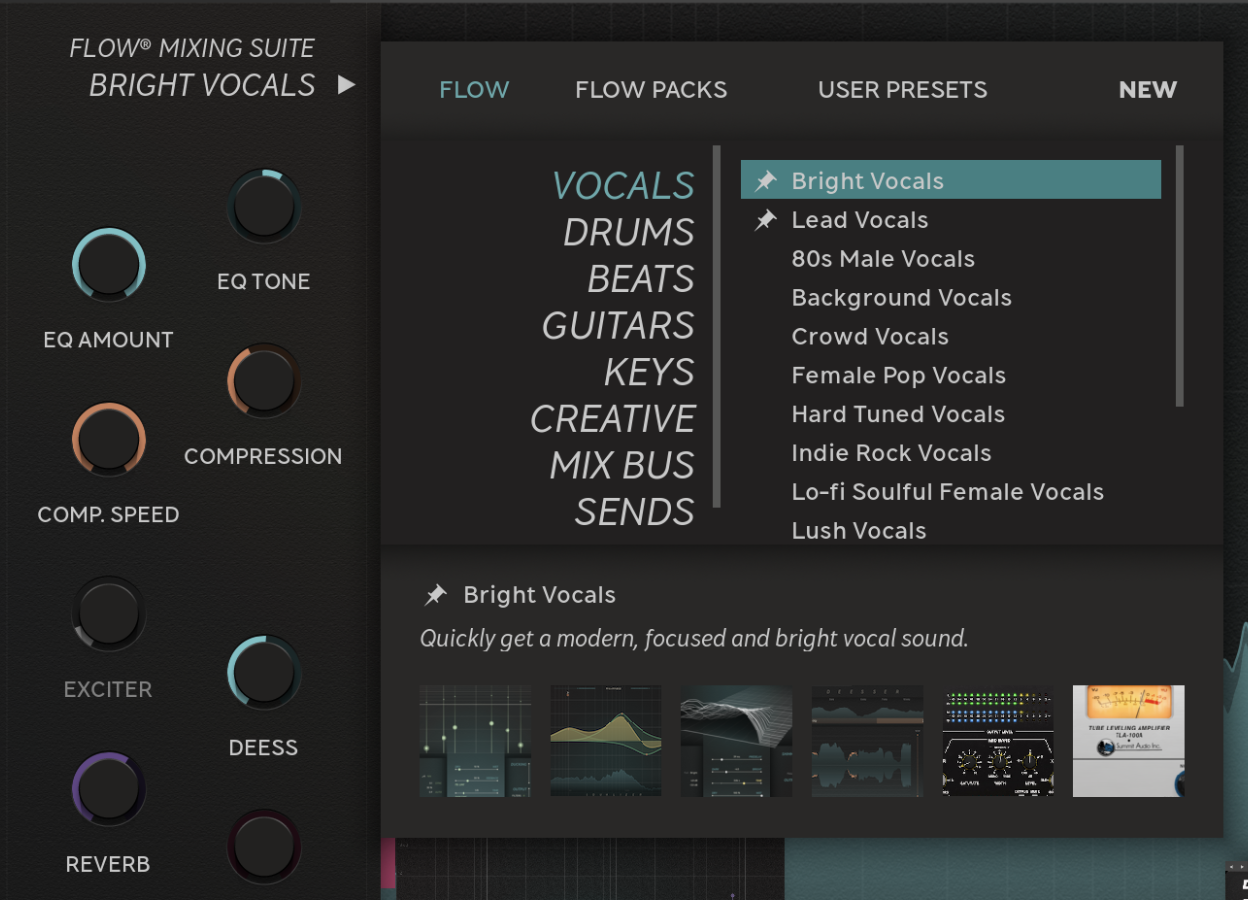
2. Click the Flow selector to choose a Flow that best suits the flavor of your track.
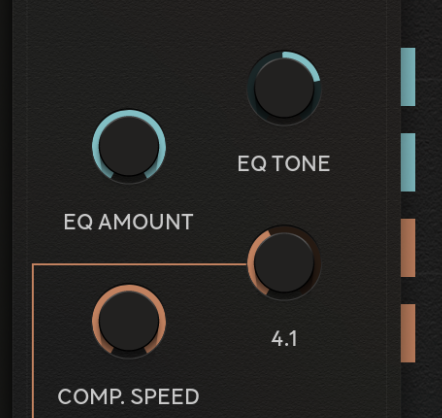
3. Adjust the Flow® Controls to your liking.
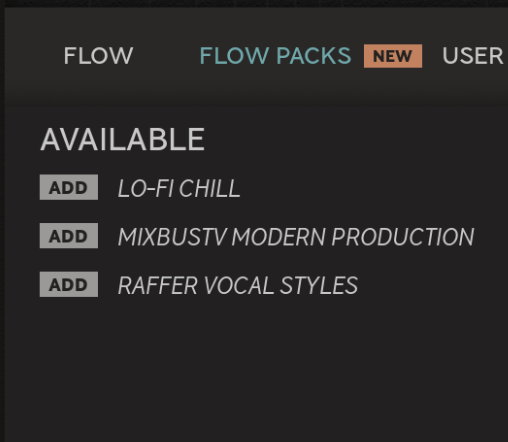
4. Expand your Flow library with artist and genre Flow Packs.
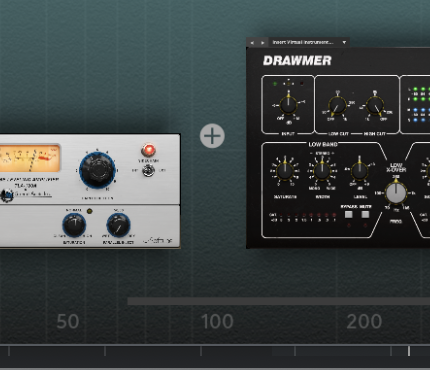
5. Build your own chains and create your own macros.
6. That's it! A better-sounding mix in a matter of seconds.