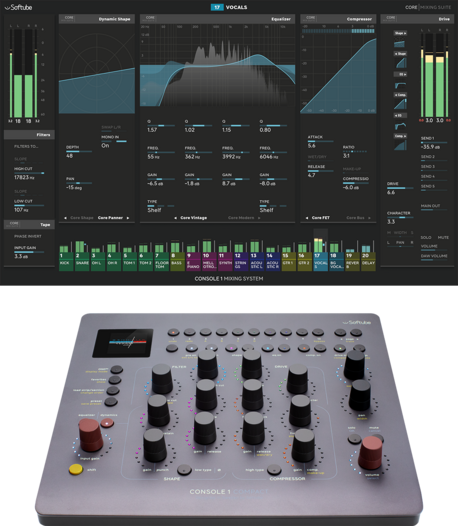
Single Unit Stand
One stand, multiple options.

Console 1’s award-winning workflow concept in a smaller format
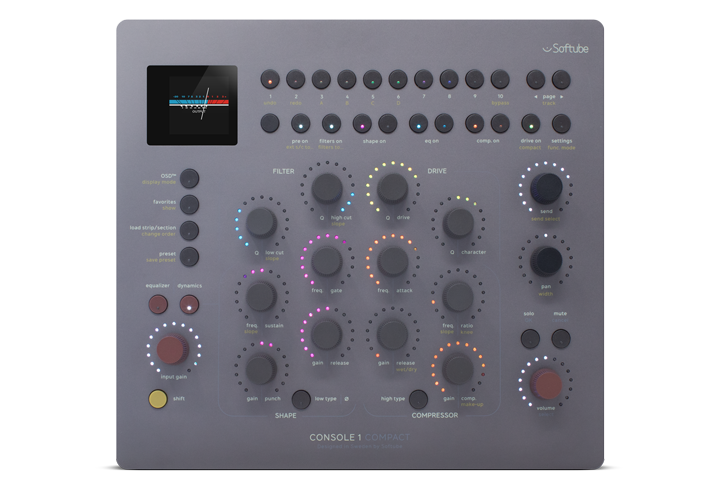
Touch-sensitive Analog Feel™ potentiometers, Scandinavian design, and a robust build
Includes our idea of the perfect channel strip, also expandable with plug-ins & channel strips from Weiss, Chandler, SSL & more
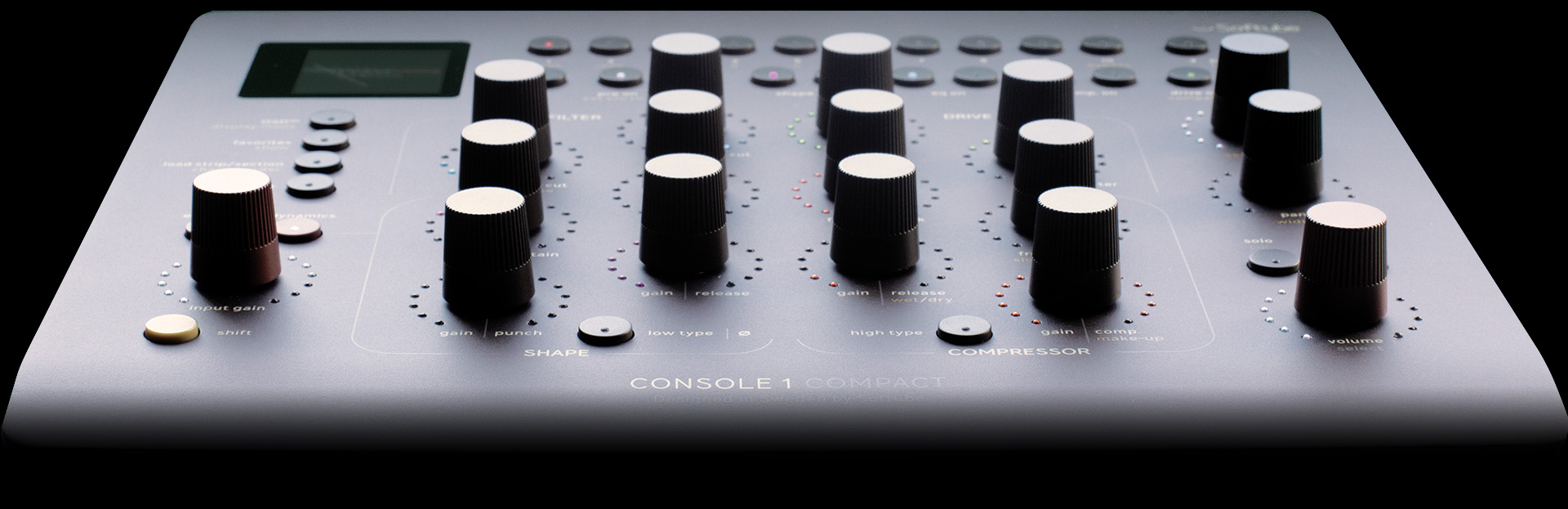
With a small footprint perfect for every studio.
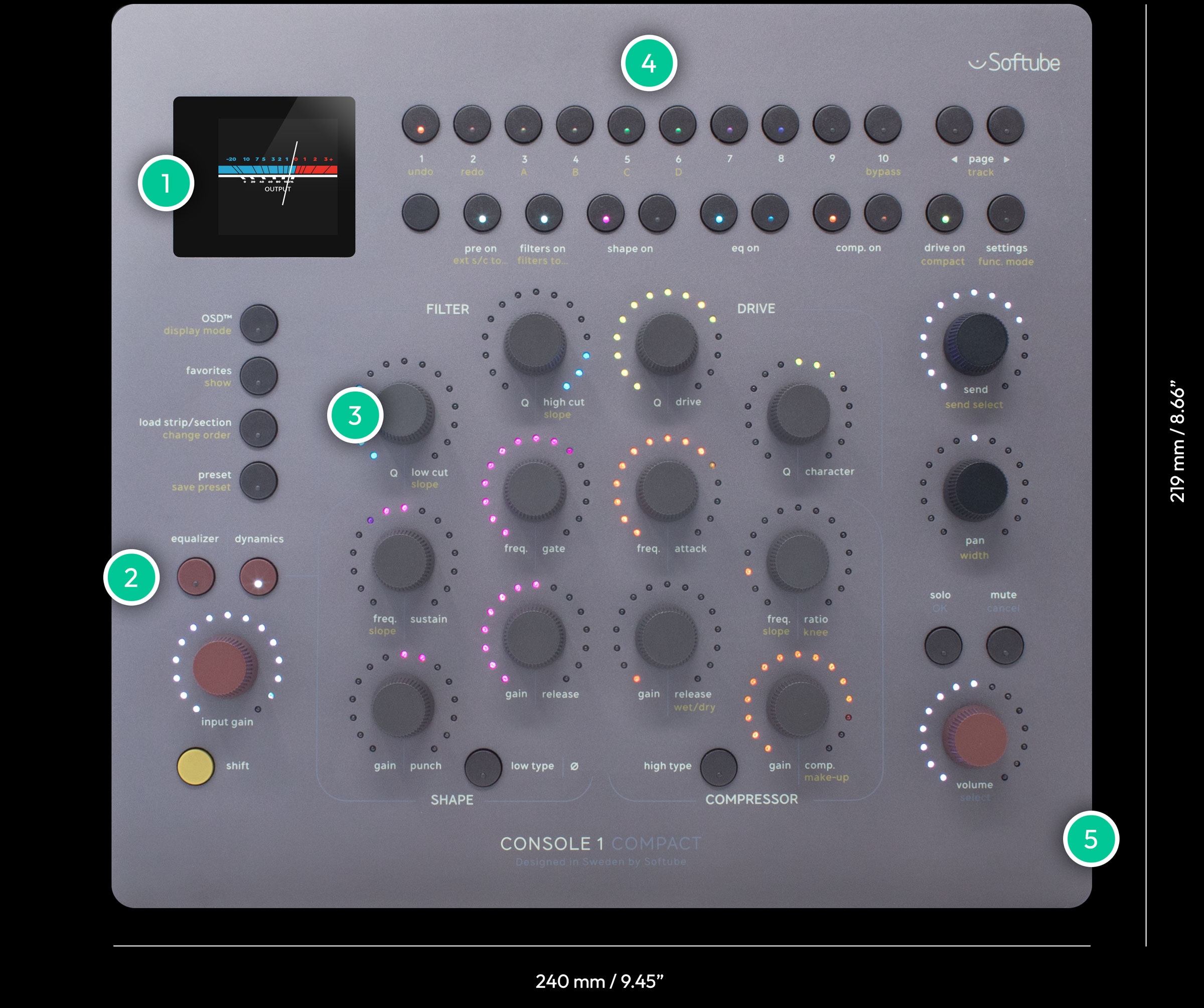
1
For a quick look at the most important parameters and the adjustments you are making.
2
Quickly switch layers to control equalization or dynamics.
3
They feel analog because they are. Weighty & precise for an immersive mixing experience.
4
Bright RGB LEDs that color change with the screen view ensuring you always know what you’re controlling.
5
Robust anodized aluminum casing for durability and a high-end feel.
Compact gives you all the sections of Console 1 Channel Mk III in two easy-to-use layers.


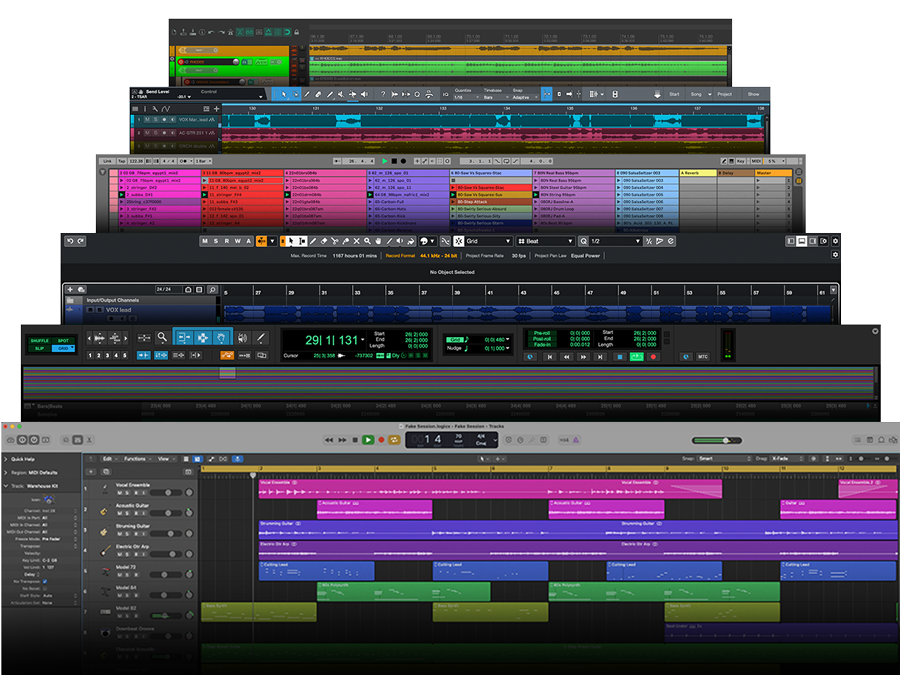
Console 1 Channel, Compact, and Fader work with all major DAWs. Without mapping. Compatible DAWs include Logic, Ableton Live, Cubase, Pro Tools, Studio One, LUNA, Reaper, FL Studio, Nuendo, Bitwig Studio, Cakewalk, and Samplitude.
The deepest control available: Console 1 gives you the deepest control of any third-party hardware available with Cubase, giving you direct control of Cubase’s stock EQ and compression. Learn more & see the full compatibility chart here




Small desk, big sound
All our Console 1 hardware comes with our idea of the perfect channel strip: Core Mixing Suite. Console 1 also supports multiple classic console emulations and delivers the closest thing to desks from Weiss Engineering and Empirical Labs, giving you the perfectly modeled EQ, compressor, gate, and saturation sounds of the world’s top consoles – all in one compact piece of studio gear.


Softube, Plugin Alliance, FabFilter & UAD plug-ins
All your favorite Softube, Plugin Alliance, Brainworx, FabFilter, UAD, and other plug-ins are available for Console 1 Mixing System. Replace any section with a Console 1-ready plug-in to create your custom console. Analog desks only wish they could!

Console 1 lets you use your hands to mix and your ears to sculpt your sound. Each knob or fader corresponds to a specific parameter, and no mapping is necessary. The high-resolution screens keep you focused on the sound of your mix. Intuitive and efficient, Compact, Channel, and Fader let you go deeper into your creative process. And enjoy it!

Console 1 Compact gives you world-renowned console sounds because that’s what we do: deliver exacting models of professional-grade, standard-setting gear – from Solid State Logic and Tube-Tech to Chandler Limited. You can load Summit Audio Grand Channel, Weiss Gambit Series, or our extremely punchy Empirical Labs strip. And Compact comes with our take on the perfect channel strip: our Core Mixing Suite software.

Compact features the same anodized aluminum, Nordic Night Sky finish, and robust build of Console 1 Channel and Fader Mk III. With its premium materials, Console 1 Compact outshines all others in its class. Every rotation of Compact’s touch-sensitive Analog Feel™ potentiometers gives you the sensation of the priciest outboard gear. With an increase of more than ten times the resolution over the Console 1 Mk II generation, the weighty and precise turn of these knobs highlights the immersive mixing experience of Compact.

Console 1 Compact gives you Channel Mk III capabilities in just half the size. Whether it’s your main unit or the unit you use when you’re on the go, Compact fits your workflow and your lifestyle. Just pack it up and go and everything will be waiting for you wherever you land.

Console 1 Compact is compatible with all units and all versions of our Console 1 Mixing System range. Because all Console 1 hardware controls the same Console 1 plug-in, all processing is always compatible, and all sessions are always recallable – no matter if you’re using Console 1 Mk I or Fader Mk III.

Mount Console 1 Compact, Flow® Studio, Channel Mk III, or Fader Mk III at the perfect angle for a seamless system and clean look.

Hands on – from start to finish. With Flow Studio, you can quickly and creatively get down the broad strokes of your project, switch over to Console 1 to tighten up the final details of your mix, and come back to use Flow Studio as your mastering or FX controller.
Working with Console 1 and Flow Studio in tandem, but independently, gives you time-saving adjustment options, guitar and bass tracking with low-latency, or the ultimate studio flex of putting Flow Studio in the hands of your artist. Plus, you gain access to more effects that are loadable in Console 1 with the Flow Studio Suite bundle.
However you use it, Flow Studio is an amazing addition to your current Softube setup – or the one you’ve been dreaming of.

Compare and contrast Console 1 generations.

Console 1 Compact is a hybrid hardware software mixing system that combines a high-end console feel with high-end console sound based on our 20+ years of emulation expertise. Compact is designed to give you the hands-on mixing experience of Console 1 in a package adapted for any size studio or setup.
Console 1 Compact works with most major DAWs that support VST, VST3, AU, or AAX plug-ins, including: Logic, Ableton Live, Cubase, Pro Tools, Studio Pro, LUNA, Reaper, FL Studio, Nuendo, Bitwig Studio, Cakewalk, and Samplitude. For more information, please refer to our Hardware Compatibility Chart.
The functions that do not exist for Console 1 Compact – that do exist for Console 1 Channel – are “Group,” “Copy,” and “All,” and daisy-chain capabilities. Aside from these functions, Compact offers a near identical feature set as Console 1 Channel, only in a smaller footprint. To deliver the same experience in a smaller design, Compact uses layers to access knob-per-function control. Whereas, with Channel, all functions exist in one layer.
Yes, in addition to Softube plug-ins, our Console 1 Mixing System hardware supports third‑party integrations with Plugin Alliance, Brainworx, FabFilter, UAD, and others.
Yes! Console 1 Mixing System is modular, meaning you can combine Compact with Fader (or a few!) and Flow Studio. You can also swap it with Channel Mk III in your Console 1 setup – for easy on-the-go mixing.
Yes! Because all Console 1 hardware controls the same Console 1 plug-in, all processing is always compatible, and all sessions are always recallable.
Console 1 Compact does not integrate directly with Flow Studio, but they are great companions. The OSD will show both the tracks that contain the Console 1 plug-in and the Flow Mixing and Mastering Suite plug-ins. Working with Console 1 and Flow Studio in tandem, but independently, gives you time-saving adjustment options.
Our software products require iLok to use, and the software for Console 1 Compact also requires iLok. Use of a physical iLok USB dongle is optional, however.