

Cool! Here’s how to begin using it:
Open Preset Collection in Flow Mixing Suite.
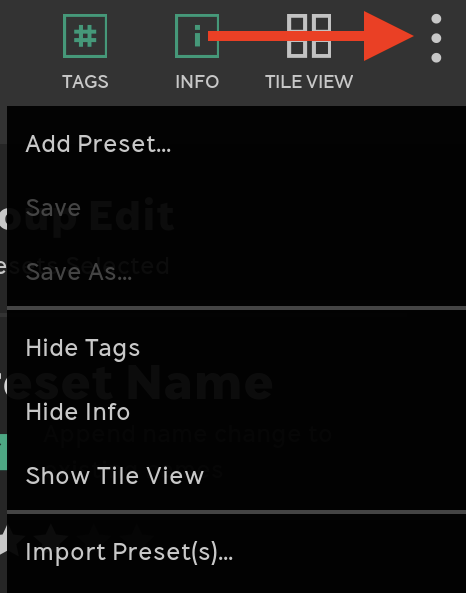
Click the three dots in the top right corner of the Preset Collection window and choose Import Preset(s). Find the Flow Pack file you received and import it.

That’s it! The new Flow Pack will show up in the Flow Packs section of the Flow Selector.
If you like your new Flow, please consider voting for it! This gives the Flow, and its creator, a chance to be featured by us!
To vote, select the Flow in the Preset Collection window and click UPVOTE. This will open your internet browser to a page where you can submit your vote.